Web
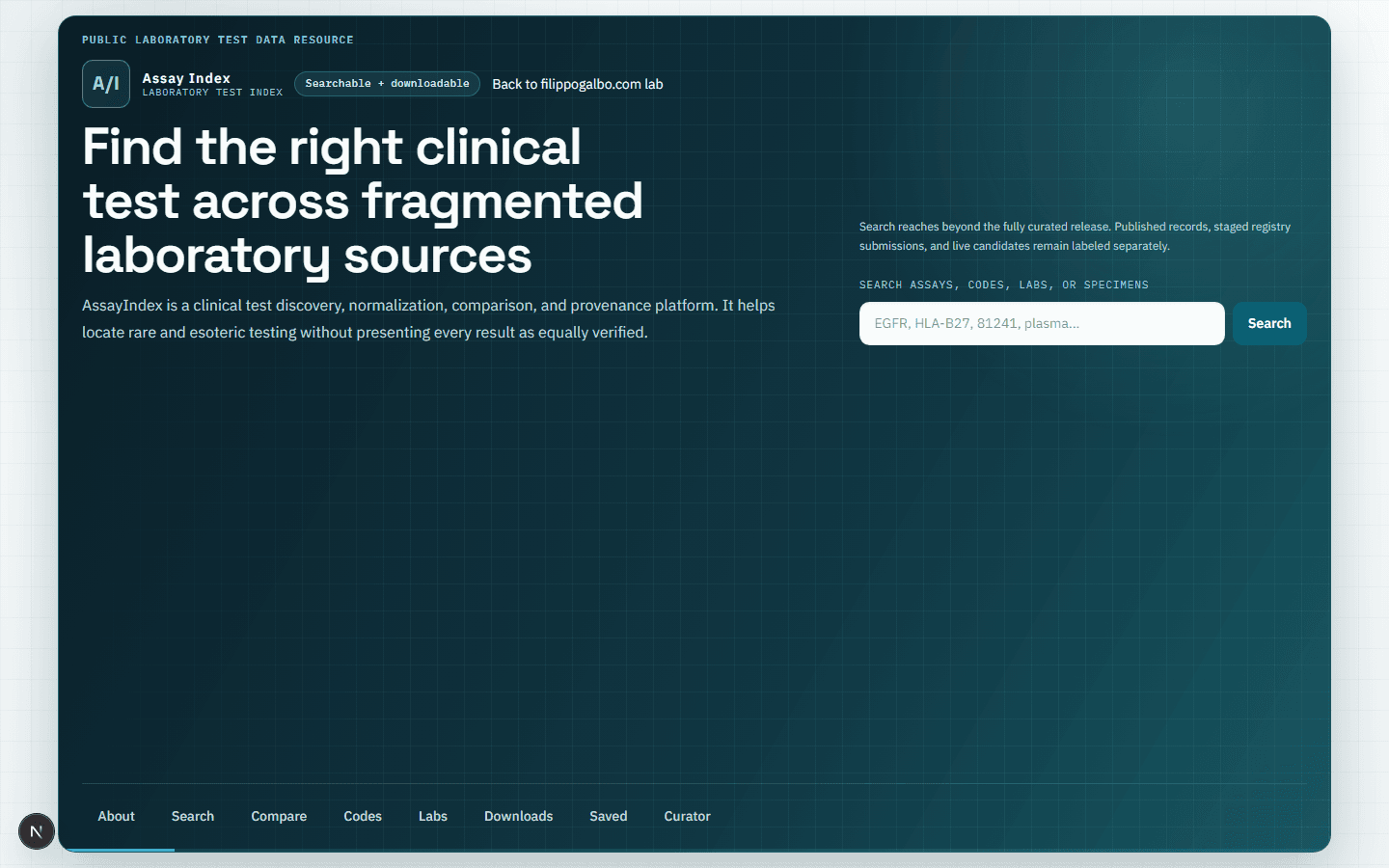
AssayIndex
Search and compare laboratory tests across source catalogs, with downloadable records and clear source status.
Software directory
Android apps, desktop software, browser applications, and experimental projects by Filippo Galbo.
Search and compare laboratory tests across source catalogs, with downloadable records and clear source status.
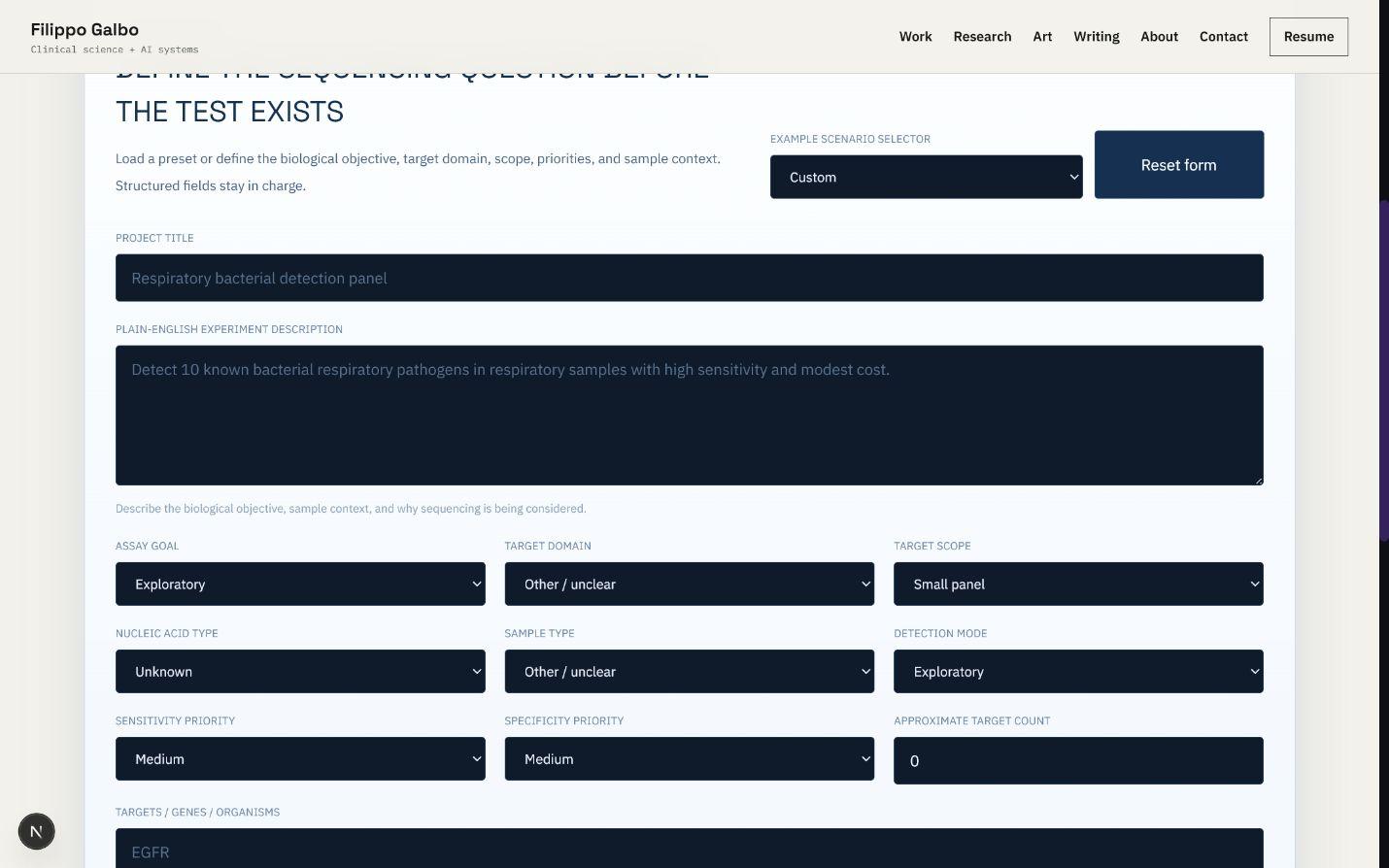
Compare NGS strategies by target scope, sensitivity, workflow, cost, risk, and validation burden.

Android video instrument with a viewport-first workspace, audio-reactive effects, clip timing, producer tags, and MP4 export.

Private Android preview that runs an image model locally and verifies the imported model pack before generation.

Android instrument with four chord-aware lanes, internal synthesis, optional MIDI, and WAV stem export.
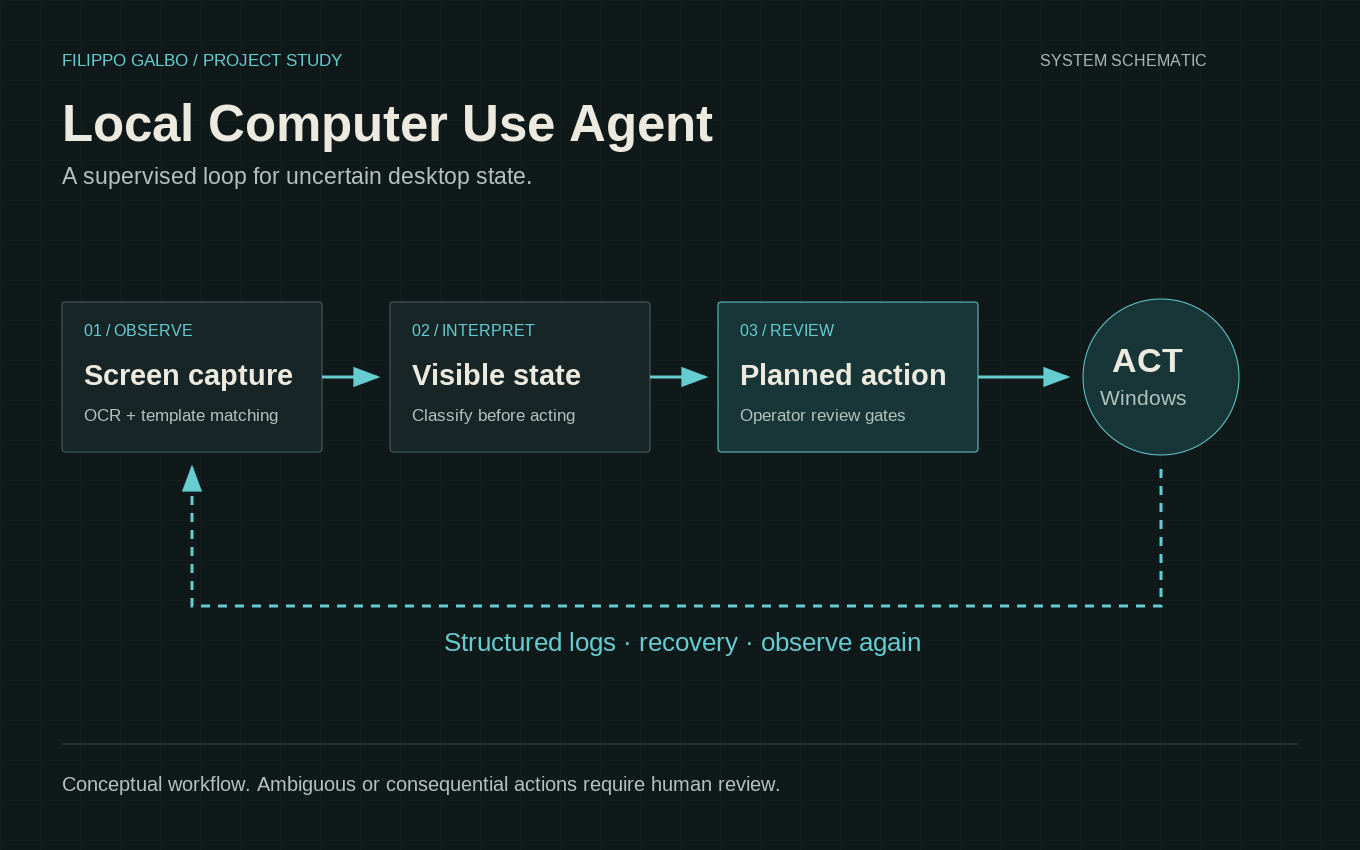
A Windows automation tool that reads the screen, logs each action, and stops for review when the workflow becomes uncertain.
Android / local GPU Preview v0.1.2-gpu-preview debug build
Private Android preview for running a local image model on a Pixel 10 Pro. It imports a separate model pack, generates images offline, and includes cancellation, history, save/share, and diagnostics.
Private testing cohort
Use the private beta password supplied directly by Filippo to unlock this local GPU Preview build.
The current local tester grant is shared with ExoAVT and remains active for 24 hours in this browser.
The APK, checksum, and model-pack download require a private beta access code.
Pack 1.1.0 contains converted BK-SDM Tiny derivatives and is distributed under CreativeML Open RAIL-M. Review all three exact notices before accepting the download. This research preview omits the upstream safety checker and is not approved for production or high-stakes use.
This arm64 GPU Preview does not bundle the roughly 1.99 GB learned model pack. Generation remains unavailable until the separate protected GPU Preview pack is downloaded and imported. It requests GPU execution for the encoder, FP32 GPU execution for the denoiser, and GPU execution with one-thread CPU fallback permitted for the decoder. LiteRT does not expose effective placement or delegation coverage here, and this build is not Tensor/NPU verified.
Android / visual splicer beta v0.3.0-beta.53 · release build
Turn an imported video or photo into an audiovisual piece on Android. A viewport-first workspace keeps Randomize, Mutate, Undo, and independent Effect Strength and Audio Motion sliders close at hand. Effects opens Library; Lab opens Controls. Clips opens the clip workflow directly; More holds Timing and Signature, while Export opens output options when you need them. A shared timing layer adds a choice of camera moves, an optional end card, and a brief RECOMBINASE flash without replacing the effect underneath. Export a centered-fill MP4 in vertical, landscape, or custom dimensions.
Beta testers get lifetime access to ExoAVT. All current and future app features and effect packs are included, including public releases after beta.
Private testing cohort
Want to test ExoAVT? Follow for development updates and comment BETA on the newest ExoAVT post to request access. I am personally selecting the first testing cohort. Access is limited and not guaranteed.
Then DM BETA, your phone model, Android version, and what kind of visuals or audio you make.
Codes are issued directly through the official profiles above. Never pay anyone for ExoAVT beta access.
The workflow guide is unchanged. In this build, open More to find Clips and Signature.
Beta 0.3.0-beta.53 adds seven source-based looks, family-aware Randomize, paired Call & response curves, camera moves, and optional section cutaways. Audition Auto Cut, protect sections you like, or place every cut yourself. Use a final still or logo as an optional end card. This build also holds early seeks until the processed preview is ready, reduces memory used by audio envelopes in multi-clip projects, and adds an optional Android exit reason to reviewed bug reports. Zebra Wave continues to reverse source contrast within its black-and-white bands instead of being hidden. At zero bend the bands stay straight and audio cannot bend them, while the source can still move. Afterwake and direct Clips access remain available. Afterwake drags source detail between a slow smear front and a cleanup front. Listen, Clip here, then choose a look or Randomize until it feels right. New projects use 0.50-second joins, with optional camera accents; existing projects keep hard cuts until changed. Randomize, Mutate, Undo, Effects, Lab, and both full-width 0–200% sliders remain on the main screen. Effects opens Library and Lab opens Controls. Tap the heart beside an entry in Looks or Effect stack to favorite it, then use Favorites only to narrow the list. Tap the heart again to unfavorite. Hearts persist across restarts without applying an effect, changing the clip, or pinning a comparison. Older saved recipes remain under Saved looks. Original compares the source and processed view. The former footer displays stay inside Export: choose output size, resolution, and audio, review duration and MP4 format, then use Export MP4 to start saving. The shared Library now contains 60 processors and 68 looks, including all six analog-video families. The APK is a non-debug release build using the existing beta certificate for compatible upgrades, not a Play Protect clearance. Settings retains installed-build information, user-controlled updates, guided email feedback, and beta lifetime-access claim and recovery. Beta testers get lifetime access to all current and future ExoAVT app features and effect packs, including public releases. Opening an email draft does not send it, and downloading an APK does not install it. The supplied white, cyan, and purple branding and the effect workflow are retained. It retains structural timing around the existing effect stack: visible opening tension locks on a usable sound event, a closing collapse sheds the picture toward black, and a short white RECOMBINASE flash punctuates it. Timing offers one Structure switch, Trigger sensitivity, Arm close here, and Flash RECOMBINASE; saved cues replay on the media timeline. New projects default to 1080 × 1920 MP4, with 1920 × 1080 and custom targets available. Centered fill preserves proportions but deliberately crops source edges when aspect ratios differ. Exported frames contain no loading indicators or editor controls; MP4 is opaque, not alpha video. REALITY TEAR retains briefly readable poses that lurch into localized sheet stretches and rolls, then recoil and settle; lower Damage, Roll, or Mix for restraint. CHROMA CULTURE retains coherent liquid membranes, dark cavities, false-color contours, and manual reflection choices. Clips, saved patches, parameter locks, producer signatures, and the shared Library and Randomize pool remain. Retained repairs include the playback timeline in a dedicated rail below the picture, preview preparation off the UI thread, 0–200% intensity controls, and finishing-effect repairs for Flow Paint and Halation looks, including Warm Halation. Square footage is supported without stretching. The reproduced split-clip preview crash repair remains: the playback composition is installed before seeking or looping. Switching effects refreshes a paused preview at the retained position. This is a private testing build, not an exact reconstruction of the reference or a device-compatibility guarantee.

Android / v0.1.29 / Experimental test build
Android instrument with four chord-aware lanes, internal synthesis, optional MIDI, and WAV stem export.
Android / v1.4 debug build
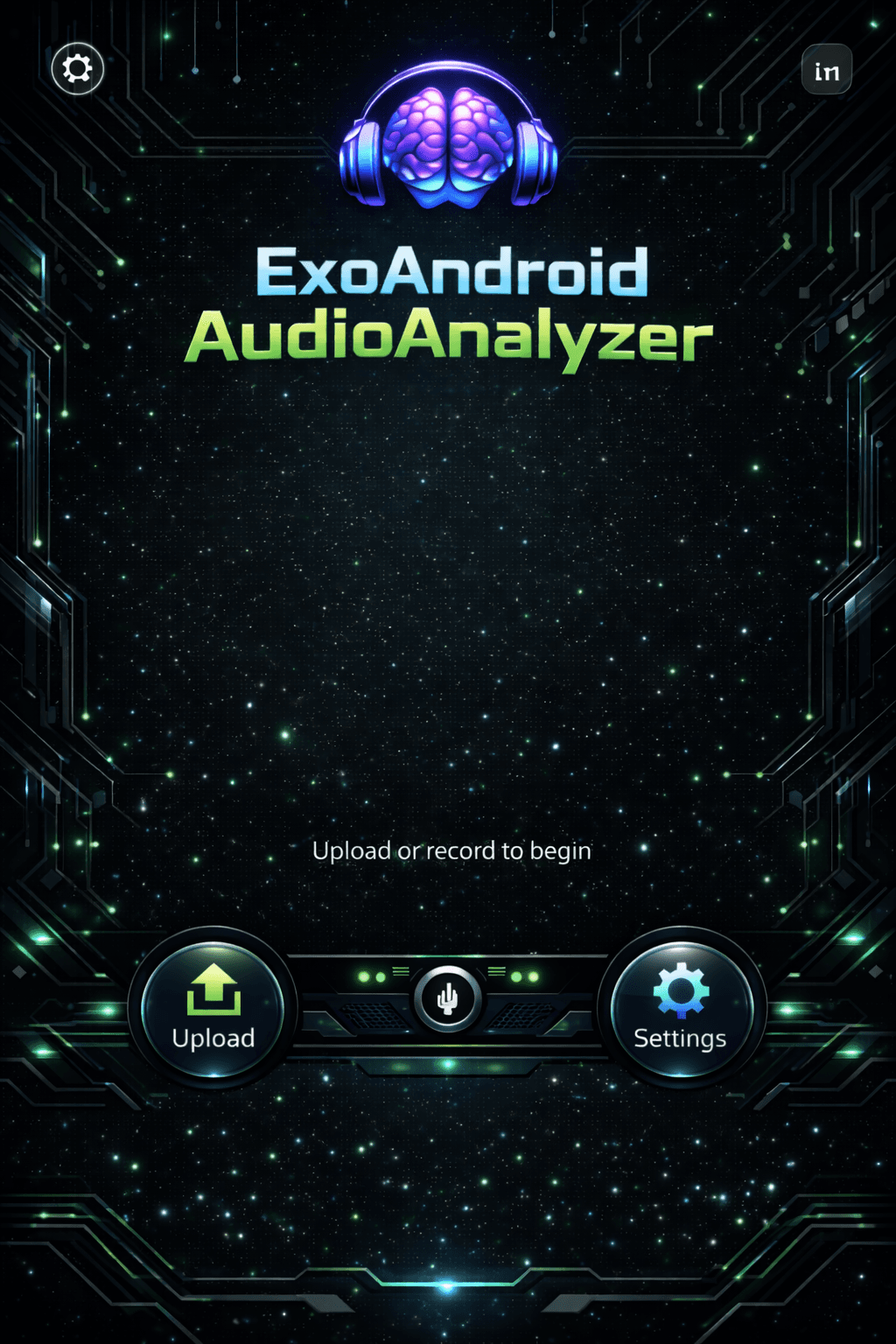
Android app that estimates BPM and dominant pitch on-device.
Choose an audio file to analyze it on the phone. No cloud or desktop analysis service is required.
Install
Android / v0.5.2 / private test build
Testing build: simpler capture and export, replay controls, raw USB stems and device-aware HDR handling.
Start in a camera view, capture Android-exposed USB channels as float WAV stems, then review a stereo mix with Play/Pause and Restart controls. Export shows its current step, measured progress and elapsed time. Advanced Studio starts with focused controls and expandable sections while retaining the complete workbench. CameraX requests up to 4K where supported. The existing workbench still imports audio or video, inspects waveform and spectrum, and can separate vocals, drums, bass and other sounds locally. Mix stems, compare five mastering styles, and save projects with editable tempo, key and annotations.
Sound identification requires the Mothership service on a paired PC over HTTPS. PC separation and mastering remain optional. Phone-to-PC HTTPS setup is separate. Tensor TPU acceleration is not included in this build.
Private testing cohort
Use the same access code as ExoAVT.
Debug-signed build for sideload testing.