Skip to content

Software directory

Apps

Runnable scientific tools, Android builds, desktop software, and browser applications by Filippo Galbo.

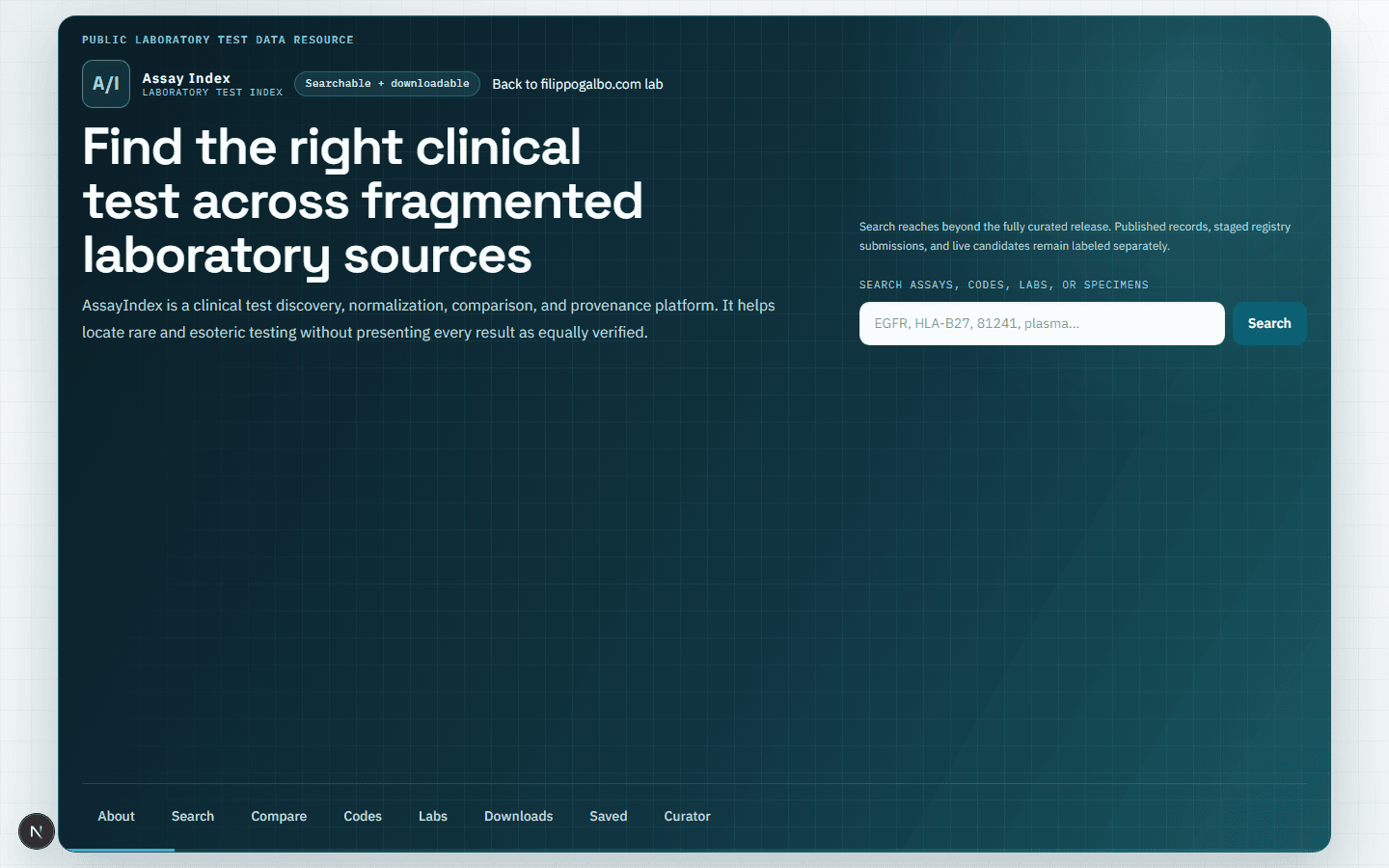
AssayIndex clinical laboratory test search interface
Web

AssayIndex

Clinical test discovery with deterministic acquisition, provenance states, comparison, and public downloads.
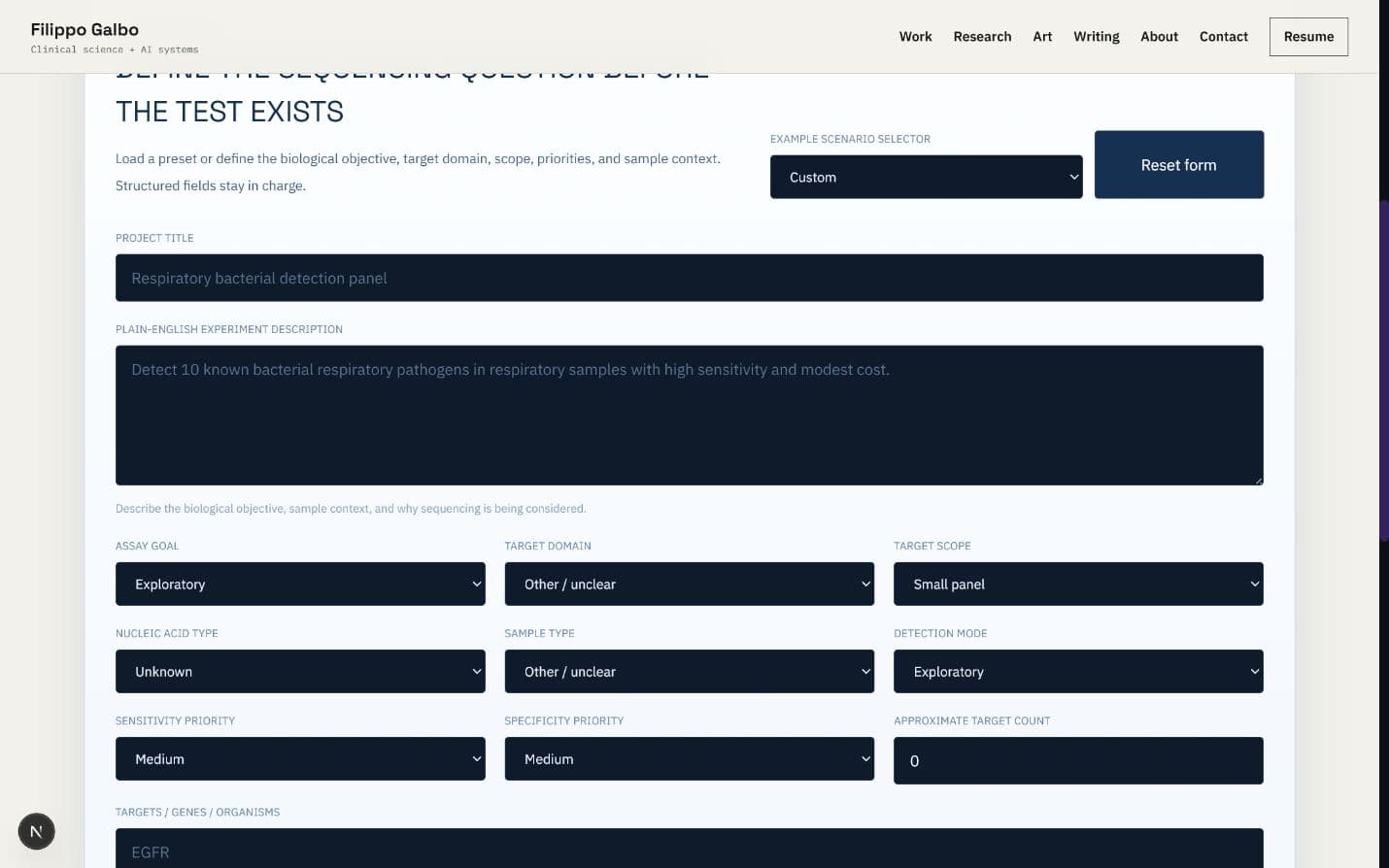
NGS Assay Planner browser interface with project definition fields
WebLocal system

NGS Assay Planner

Deterministic, validation-aware NGS strategy planning with transparent tradeoffs and risk flags.
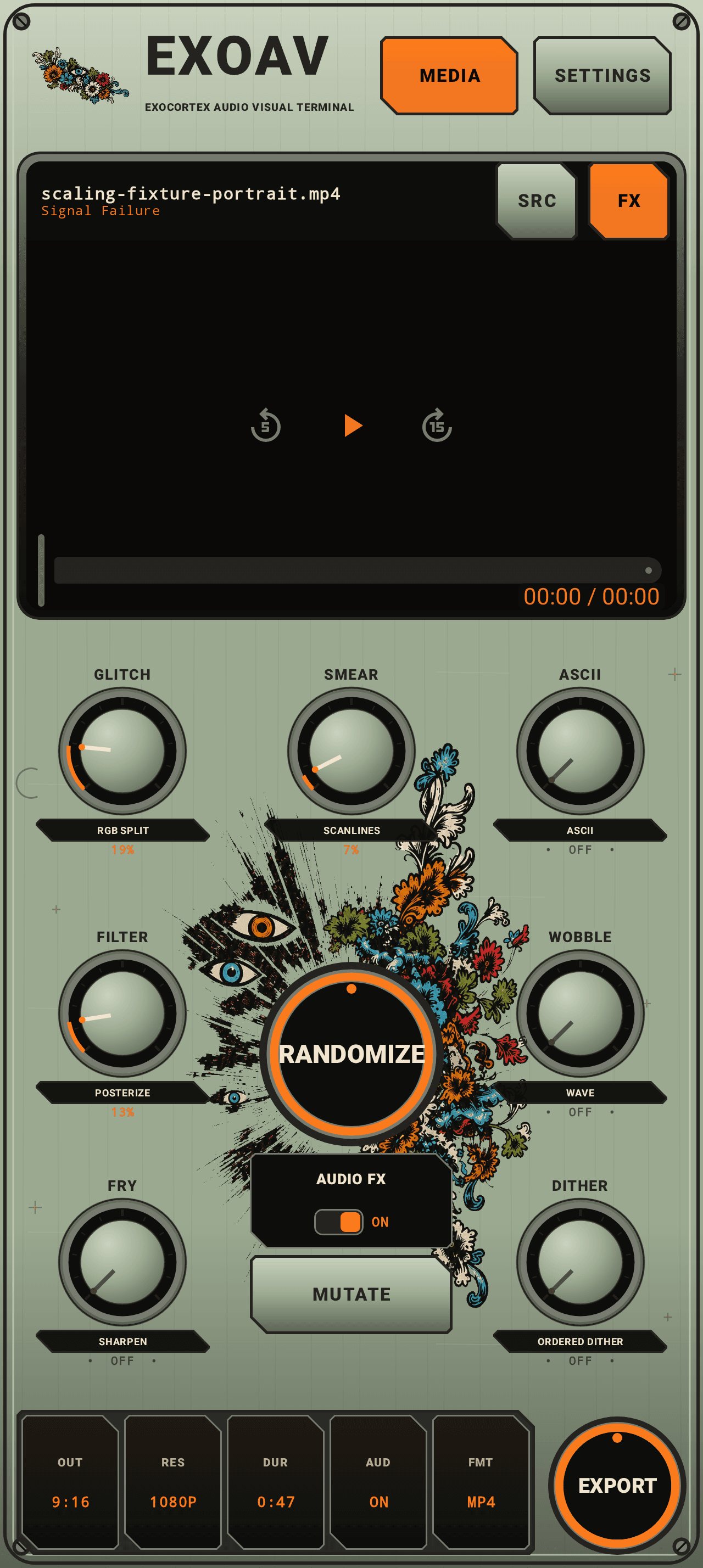
ExoAVT Android machine interface with media preview, effect controls, and export control
Android

ExoAVT

Android visual instrument with reusable looks, editable sound-guided timing, producer signatures, and recoverable MP4 exports.

WindowsLocal system

Local Computer Use Agent

Supervised Windows automation with OCR, recovery ladders, and operator-visible logs.

Android releases

EXOIMAGEv0.1.2-gpu-preview

Android / local GPU Preview v0.1.2-gpu-preview debug build

EXOIMAGE

A private, fully local GPU Preview for the Pixel 10 Pro with arbitrary prompts, progress and cancellation, preview, save and share, history, diagnostics, and exact model-pack validation.

This arm64 GPU Preview does not bundle the roughly 1.99 GB learned model pack. Generation remains unavailable until the separate protected GPU Preview pack is downloaded and imported. It requests GPU execution for the encoder, FP32 GPU execution for the denoiser, and GPU execution with one-thread CPU fallback permitted for the decoder. LiteRT does not expose effective placement or delegation coverage here, and this build is not Tensor/NPU verified.

Private testing cohort

EXOIMAGE access required

Use the private beta password supplied directly by Filippo to unlock this local GPU Preview build.

The current local tester grant is shared with ExoAVT and remains active for 24 hours in this browser.

The APK and checksum stay outside the public site and are served only after the signed access cookie is verified.

Model-pack terms and provenance

Pack 1.1.0 contains converted BK-SDM Tiny derivatives and is distributed under CreativeML Open RAIL-M. Review all three exact notices before accepting the download. This research preview omits the upstream safety checker and is not approved for production or high-stakes use.

  • Import the exact versioned, hash-verified GPU Preview model pack into app-private storage through Android's system picker.
  • Run arbitrary prompts through the locally validated text encoder, denoiser, and decoder with one learned model resident at a time.
  • Keep one generation job at a time with cooperative cancellation, thermal and deadline guards, progress, preview, reproducible metadata, MediaStore save, and system sharing.
  • Expose truthful requested-accelerator, model-pack, runtime, and thermal diagnostics without claiming effective GPU placement or Tensor verification.
  • Keep models, prompts, and generated images local; the APK declares no Internet permission.

Install and test

Local GPU Preview workflow

  1. Open this page on a Pixel 10 Pro or another compatible Android 12 or newer arm64 phone.
  2. Enter the private beta password supplied by Filippo, then download the EXOIMAGE GPU Preview APK.
  3. Allow installs from your browser or file manager if Android asks, then install the debug-signed APK.
  4. Download the separate protected GPU Preview model-pack ZIP on this page, verify its SHA-256, then open EXOIMAGE and import it with Android's system picker.
  5. Enter a prompt, use 25 steps, and Generate; a Pixel 10 Pro run may take several minutes and cancellation occurs between synchronous learned calls.
  6. Confirm preview, History, Save, and Share work, and that diagnostics say LOCAL GPU PREVIEW: NOT TENSOR VERIFIED with effective placement reported as unknown.
ExoAVTv0.3.0-beta.31

Android / visual splicer beta v0.3.0-beta.31 debug build

ExoAVT

A native Android visual instrument for video and photos, with sound-guided movement, editable timing, reusable looks, producer signatures, and MP4 export.

Beta 0.3.0-beta.31 brings a creative home with Randomize, Mutate, Undo, Keep, and Compare; editable music-guided Timing drafts; Flow Paint; saved audio-linked Signatures; and recoverable export jobs. Existing effects, procedural materials, audio calibration, and authored clip automation remain available.

Private testing cohort

Recombinase access required

Want to test the operon splicer? Follow for development updates and comment BETA on the newest ExoAVT post to request access. I am personally selecting the first testing cohort. Access is limited and not guaranteed.

Then DM BETA, your phone model, Android version, and what kind of visuals or audio you make.

Codes are issued directly through the official profiles above. Never pay anyone for ExoAVT beta access.

  • Import video or photos through Android's system picker, use MEDIA to replace the source, or Share/Open supported media with ExoAVT. Attach provider-supported WAV, FLAC, MP3, AAC, or other audio files separately.
  • Transform your video or photo with WETWARE folds, FERROFLUID lobes, OIL SLICK sheets, CHROMATIC FOLDS, BIOFILM cells, GLASS ORGANISM lenses, a VORTEX MEMBRANE tunnel, or elastic RECOMBINATION fragments. Footage mode samples and deforms the imported image rather than placing a separate generated scene over it.
  • Open Effects to browse classic presets and all eight material looks together. Controls exposes the active effects, including legacy processors, with Flow, Scale, Deformation, Gloss, Color, and Audio Motion where meaningful. Advanced settings include Liquid Warp, Iridescent Sheen, Surface Ridges, and bounded Temporal Melt.
  • In a material's Controls, choose Footage to transform imported media or Generated for standalone procedural material. This choice is saved per effect and is not randomized or mutated. A new material added through Effect stack starts in Footage mode; re-adding a saved effect keeps its existing choice.
  • RECOMBINATION separates recognizable strips and tiled groups, stretches them, and reconnects them with continuous movement instead of frame-random displacement or default brightness flashing.
  • Use Library's Effect stack to combine classic or material effects without replacing the others; remove an effect to hide and bypass it while retaining its settings and automation. Stack warnings explain when Generated material may hide earlier processing or combined warps may cost more.
  • Try Contour Engraving and Halation / Diffusion: source-image ink lines and locally spread highlights, not generated overlays. Six curated looks join the same Library and Randomize pool: Contour Ink, Color Etch, Woodcut, Warm Halation, Soft Diffusion, and Amber Halo.
  • Randomize chooses a fresh compatible look across classic named presets and the eight procedural modes. Mutate varies the current selection. Existing visual processors, effect locks, Source/Processed comparison, imported photos, and the hardware-style interface remain available.
  • Effect Strength sets visual intensity; the separate Audio Motion fader sets sound-driven movement depth from 0–100%, not input volume. The first positive adjustment arms eligible audio routes without requiring Randomize. Zero stops audio-driven excursion without erasing routes or clip points. Clip-owned depth is shown as Clip rather than silently overwritten.
  • Import starts analysis of the selected audio source automatically, even with Audio Motion at zero; a new video uses its embedded audio when available. An attached source stays selected when replacing footage. A progress bar shows decoded progress when duration is known; otherwise it shows ongoing activity. Missing audio, silent or very quiet audio, and analysis failures have distinct messages. At full depth, a calibrated maximum can reach the selected visual output maximum.
  • In Sound, view the detected level and normalized response, capture two-second Set Quiet and Set Loud windows, or edit fixed input thresholds. Input calibration stays separate from visual output ranges and preset changes.
  • New projects use stereo-safe channel-energy analysis so opposite-polarity channels do not cancel the detected energy. Older projects retain their analysis version until you choose Use stereo-safe analysis in Settings. This upgrades only the selected input and resets only that input's calibration; other inputs, clips, and visual settings stay intact.
  • Map energy, bass, mids, highs, or onsets to applicable visual targets with Linear, Gentle, or Punchy response and adjustable attack/release. Embedded and attached audio are analyzed locally; no MIDI is used.
  • Split the active video's timeline into effect clips, select a clip, and direct its own look. In Points, add Min, Max, or custom values with Hold, Linear, or Smooth transitions, then drag, edit, duplicate, or delete points.
  • Automate Audio Motion, effect blend, material controls, modifier amounts, and applicable audio output limits. Manual, Audio, and Clip drivers stay explicit; automation bypass returns to preserved manual settings rather than silently recording slider edits.
  • Choose emerald/mauve, obsidian/chrome, petroleum teal/bronze, violet/pink, or restrained monochrome palettes. Set a seed or randomize compatible visual settings without replacing the selected audio input, calibration, clip timing, or automation.
  • Kaleidoscope combines a drifting center, breathing depth, and curved mirrored folds with motion through the source image. Gradual clip-boundary entrance and exit remain; Segments and Rotation stay editable, with smooth transitions between fractional segment counts.
  • For Swirl, Vortex Membrane, or Kaleidoscope, enable Resolve & restart in Controls to build, unwind to that processor's clean input, rest, and begin again. Adjust cycle duration and clean-rest time. Direct clip points retain ownership; bypass those point tracks explicitly before enabling a competing cycle.
  • Temporal Melt uses elapsed-time decay for bounded feedback instead of accumulating by frame count. History resets at discontinuities; actual preview/export consistency and sustained device performance remain beta test items.
  • Undo restores earlier edits. Keep saves a Favorite and pins the look for comparison; Compare previews that pinned look without replacing the current edit. Return to editing before changing it. Favorites reuse a visual recipe, including effect blend and Effect Strength, while preserving the destination's authored point tracks, audio routes, and locks.
  • Timing offers Animate my look for the current effects or Suggest a journey for compatible effect additions. Choose Auto, Build, Drop, or Pulse, then Preview, Keep, or Discard the editable draft. Existing owned or locked controls are preserved and listed; a proposal is not saved until kept. Music guidance uses energy and onset cues, with clip timing as a fallback.
  • Flow Paint simplifies the incoming video or photo into direction-following painted regions while retaining source boundaries. Adjust Abstraction, Brush size, Directionality, and Edge retention. Abstraction at zero restores the effect's incoming image; device performance is not yet characterized.
  • Signature saves your own producer audio with editable Text or an Image. Let the backing music choose a curated local font, treatment, and suggested entry time, or override these manually. Image mode preserves original colors, transparency, lettering, and proportions; an opaque black background remains opaque black.
  • The Signature's spectral strip is a cached spectrogram of the producer tag itself, separate from the backing-music features used for placement and style. Its full audio plays at natural duration without stretching or cutting it to fit. Visuals normally start 0.2 seconds earlier and finish 0.5 seconds later; only this padding can shrink at project edges.
  • Set Signature gain from 0–100% and optionally enable saved defaults on new projects. Changing defaults does not rewrite an existing project's signature. The backing soundtrack is unchanged; ducking is not applied. Listen to the overlap and reduce tag gain if it overloads. Muted soundtrack mode silences the complete composition, including the tag.
  • Export H.264/AAC MP4 through Android's save picker with progress, cancellation, and an export notification. Jobs retain their project snapshot independently of the editor. Retry saved export resumes an eligible saved job; when encoding finished but destination copying failed, Save video elsewhere retries the completed render without encoding again. Photos use an attached track's duration, or a silent ten-second composition when no audio is attached.
  • Save projects and patches locally, including clip automation and visual settings, and explicitly resume the last session. Supported HDR media is normalized to an SDR working surface on Android 10 or newer.

Install

Android beta installation

  1. Open this page on an Android 8.0 or newer device, enter your beta access code, download the APK, and allow installation from your browser or file manager if Android asks.
  2. Install ExoAVT and import a video or photo. Use MEDIA beside Settings to replace it, and SRC/FX inside the monitor to compare the original and processed view.
  3. Use Randomize, Mutate, Undo, Keep, and Compare on the creative home. Keep saves a Favorite and pins a comparison look; return from the pinned comparison before editing. Open Effects for the library and detailed controls. Looks contains classic presets and the eight material modes; Effect stack adds or removes individual effects without replacing the stack. Controls edits the current effects. Try Flow Paint, Contour Ink, or Warm Halation from Looks.
  4. Select a material look, then open Controls. Keep Footage selected to reshape your video or photo. Choose Generated only when you want standalone material visuals. Use SRC/FX to check what the effect changes.
  5. After import, watch the audio-analysis progress or missing-audio message. Move Audio Motion above zero; Randomize is not required. Effect Strength is a separate visual-intensity control. In Sound, play a quiet passage and press Set Quiet, then a loud passage and Set Loud. Each capture takes two seconds. Audio Motion sets how much of the configured output range sound can use.
  6. For an older saved project, Settings offers Use stereo-safe analysis for the selected audio input. Choosing it clears only that input's old calibration, so run Set Quiet and Set Loud again afterward. Leaving it alone preserves the project's earlier analysis behavior.
  7. Choose a clip and open Timing. In Points, select a target, set its time, choose Min, Max, or a custom value, choose Hold/Linear/Smooth, and add or update the point. Set the target's driver to Clip; Audio Motion can be clip-driven while other targets remain sound-driven. Or try Animate my look / Suggest a journey with Auto, Build, Drop, or Pulse: review preserved controls, Preview, then Keep or Discard.
  8. Press Randomize to choose across classic and material looks, or Mutate to vary the current selection. Compatible choices preserve locks and authored automation. Use Controls for modifiers and output ranges; slider edits change manual base values, not automation points.
  9. Select Swirl, Vortex Membrane, or Kaleidoscope in Controls and enable Resolve & restart for repeating build-and-release motion. Start with the eight-second cycle and 15% clean rest, then adjust both. If clip points own that effect, use those points or explicitly bypass their tracks first.
  10. In Signature, import your producer audio and choose Text or Image. Edit the wording or choose the image, set gain, and choose automatic or manual styling and entry time. Apply, then listen across the overlap. Use on new projects is optional; the complete tag must fit within the composition.
  11. Press Export and choose a save location. Follow progress and the export notification. If needed, use Retry saved export or Save video elsewhere. Try a short composition first and report the device model, Android version, effects, source types, and exact error with any failure; a partially copied destination can remain after failure or cancellation.
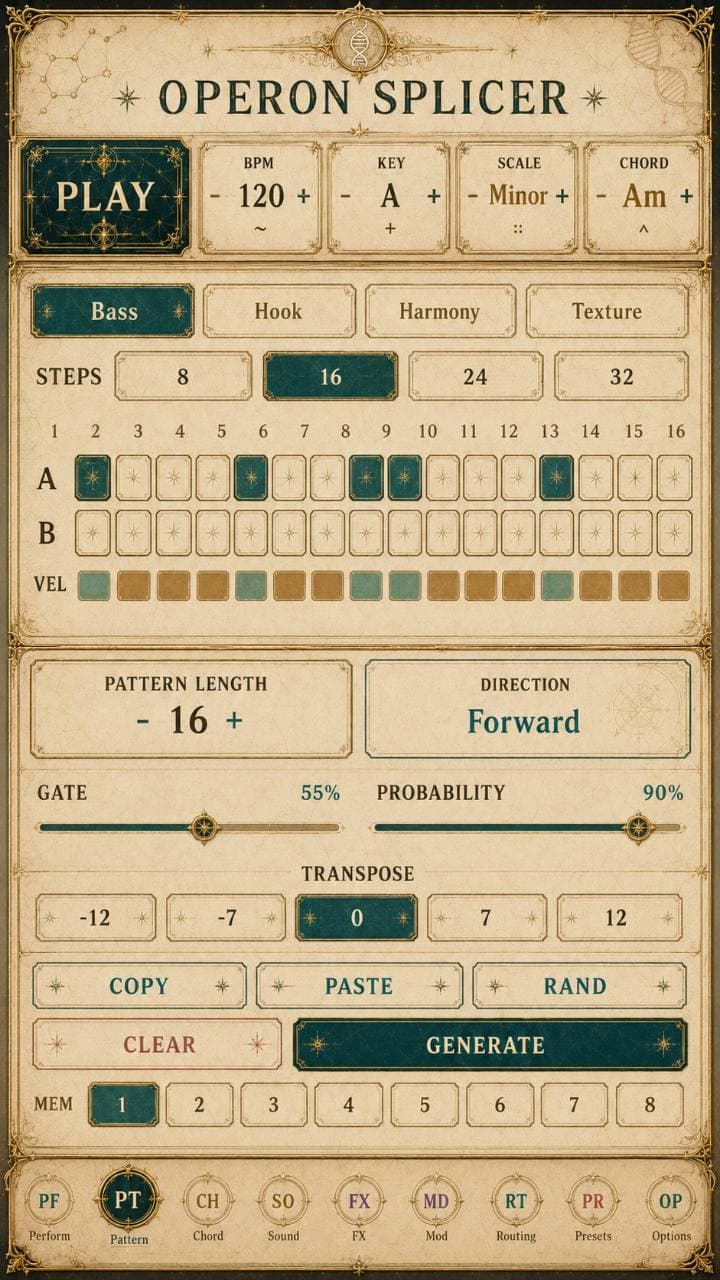
Operon Splicerv0.1.29 / Experimental test build
Operon Splicer app icon

Android / v0.1.29 / Experimental test build

Operon Splicer

Experimental Android test build with four chord-aware lanes, internal audio, 29 synthesis engines, saved lane sounds, optional USB MIDI, and dry or processed WAV stems.

  • Four chord-aware lanes: Bass, Hook, Harmony, and Texture, with internal phone audio and no external MIDI hardware required.
  • 16,400 role-specific sound recipes built from 164 authored foundations and 100 deterministic profiles; recipe variations are not separate DSP engines.
  • 29 playable engines, adding ScannedWavetable and ParticleResonator to the existing synthesis families.
  • 96 named FX palettes with tempo-aware delay, ambience, granular, freeze, memory, chorus-orbit, all-pass phaser, modulation, and final limiting.
  • Sound Tools saves individual lane sounds with favorites, tags, and velocity expression that shapes timbre as well as volume.
  • Related enables opt-in pattern variation that preserves melodic motifs during Recombine or Pattern RAND/GENERATE.
  • Options WAV export saves the current mix or four independently rendered lane stems, dry or processed, as an exact loop or with an optional 8-second tail.
  • Exports 4, 8, 12, 16, 24, or 32-beat stereo WAVs; the Perform beat buttons retain processed exact-loop export by default.
  • Output protection combines DC blocking, RMS guarding, and final sample limiting.
  • Per-lane mute, volume, stereo pan, and FX send are preserved in phone playback and WAV export.
  • Chord- and scale-aware organic, Euclidean, arpeggio, syncopated, and 16-step-aligned clave pattern generation.
  • Recombine, Randomize, Mutate, Engines, Drift, and Undo transform actions.
ExoAndroidAudioAnalyzerv1.4
ExoAndroidAudioAnalyzer logo

Android / v1.4 debug build

ExoAndroidAudioAnalyzer

On-device BPM and dominant-pitch analysis for Android and local model workflows.

The app accepts an audio file, runs the analysis on the phone, and reports structured observations without sending the analysis through a desktop Python service.
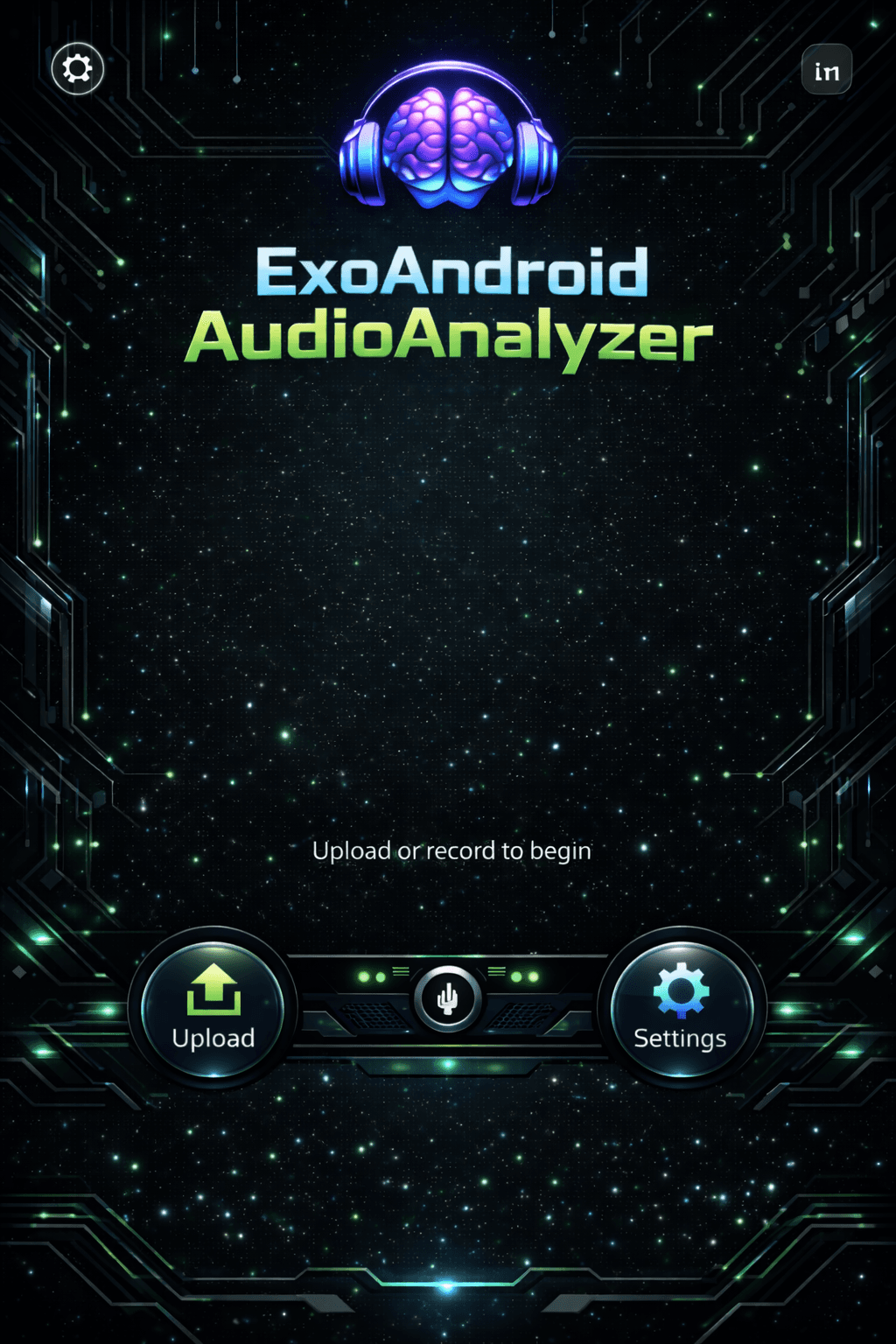
ExoAndroidAudioAnalyzer interface preview
  • Analyzes audio files on the Android device.
  • Returns deterministic BPM and dominant-pitch observations.
  • Runs without a Python or cloud analysis backend.
  • Includes a direct APK download and SHA-256 checksum.

Install

Android installation

  1. Open this page on your Android phone.
  2. Download the APK and allow installs from your browser or file manager if Android asks.
  3. Open ExoAndroidAudioAnalyzer and choose an audio file.
  4. Run the analysis on-device and review the BPM and dominant-pitch observations.